
Best FMCG Distribution Software in Saudi Arabia (2026 Guide)
How to choose FMCG distribution software in Saudi Arabia: van sales, route planning, ZATCA QR invoices, credit control and expiry tracking, compared.
By Morovix Team
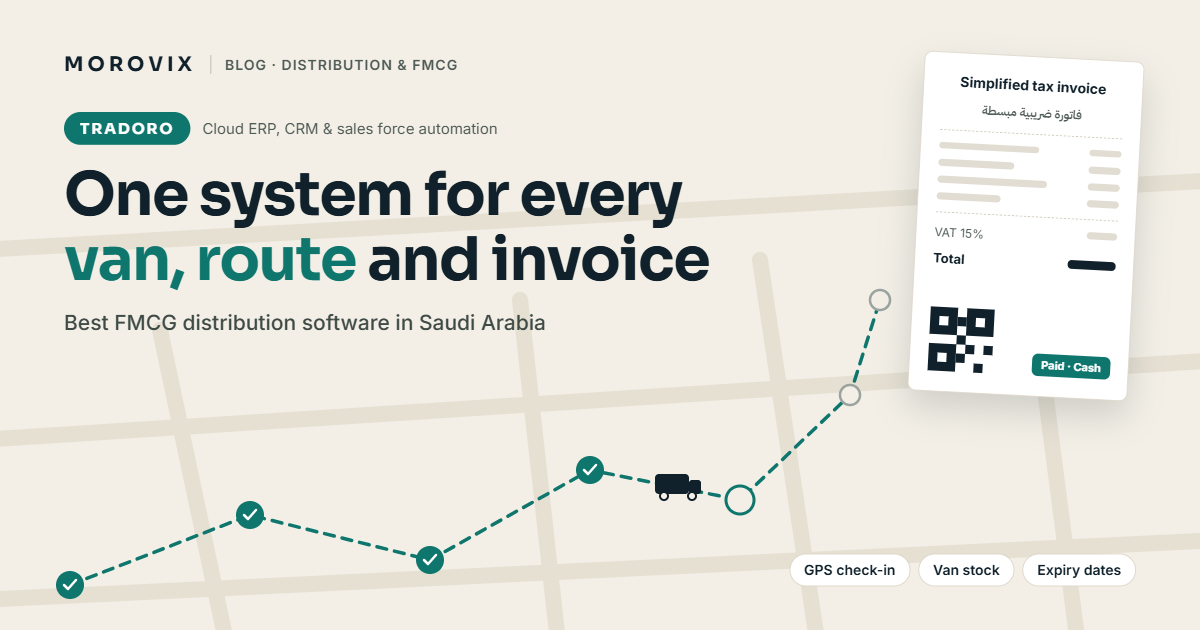
The best FMCG distribution software for a Saudi distributor is the one that runs the whole day in one place: route planning, van orders, bilingual VAT invoices with a ZATCA QR code, collections, credit control and stock with expiry dates. Generic accounting tools cover the invoice, and large ERP suites cover almost everything but take months to roll out. For most SMEs, a specialized distribution platform that is live in days is the better fit.
TRADORO, Morovix's cloud ERP, CRM and sales force automation platform for distributors, was built for exactly this. This guide explains what to look for, how TRADORO handles each part of the day, how the main types of software compare, and how to test any system before you commit.
What does FMCG distribution software need to do in Saudi Arabia?
Distribution in the Kingdom runs on speed and cash. A typical day involves reps visiting dozens of outlets, taking orders from a van, printing invoices on the spot, collecting cash or cheques, and handing back returns. Head office then needs to know what was sold, what was collected, and what stock is left in each van and warehouse.
On top of that, Saudi buyers expect:
- Arabic and English on invoices and in the app, with proper right-to-left layout.
- VAT-compliant invoices showing your VAT and CR numbers and a ZATCA QR code.
- Credit discipline, because unpaid invoices from traditional trade outlets add up quickly.
- Expiry control, since food and personal-care products lose value fast.
Any system you choose should handle all of this without spreadsheets on the side.
Why spreadsheets and WhatsApp stop working
Many distributors start with Excel, paper order books and WhatsApp groups. It works until it doesn't. Common signs you have outgrown it:
- Reps quote old prices because price lists live in different files.
- Nobody knows the real stock in each van until the end of the day.
- Collections are recorded twice, or not at all.
- Customers on credit hold keep getting new orders.
- Expired stock is discovered on the shelf, not in a report.
- Managers can't see which outlets on a route were actually visited.
Each of these costs money, and they get worse as you add vans, branches and SKUs.
10 features to look for
| Feature | Why it matters for Saudi distributors | What to ask the vendor |
|---|---|---|
| Route and beat planning | Reps follow a set visit sequence and frequency per territory | Can I set daily, weekly or custom frequency and A/B/C outlet priority? |
| GPS check-in and check-out | Proves the visit happened and when | Does it record time and mark visits completed, missed or rescheduled? |
| Fast van ordering | Orders are taken standing in a shop | Can the rep see van stock and the customer's price list on the same screen? |
| Bilingual VAT invoices | Arabic and English, with VAT, CR number and ZATCA QR code | Does it print both A4 invoices and 80mm receipts? |
| Mobile printing | Invoices are handed over on the spot | Which Bluetooth van printers are supported? |
| Pricing and promotions | Multiple price lists, discounts and free-goods schemes are standard in FMCG | Can it handle buy-X-get-Y and slab promotions? |
| Collections | Cash, transfer and cheque are all common | Is there protection against duplicate or over-payment entries? |
| Credit control | Stops orders to customers over limit or on hold | Are credit limits and payment terms checked on every order? |
| Batch and expiry tracking | Reduces write-offs from expired stock | Does it track batch, manufacturing and expiry dates per warehouse and van? |
| Reports for managers | Sales, collections and route execution in one view | Can I see sales by product, brand, salesman and route? |
How TRADORO handles distribution and van sales
TRADORO is built for FMCG distributors, van sales, wholesale and showroom businesses in Saudi Arabia and the GCC. It runs in English and Arabic with full right-to-left support.
Field sales. Routes and beats are set by territory and rep, with visit sequence, frequency and A/B/C outlet priority. Each rep sees "Today's Route", checks in and out with GPS and time, and marks visits as completed, missed or rescheduled. Visit notes, tasks with reminders and Google Maps links to each outlet are built in.
Order to cash. Quick Order shows the customer, stock location and price list side by side, with instant product search and van or warehouse stock on each line. Invoices print as bilingual A4 documents or 80mm receipts with your logo, VAT, CR number and ZATCA QR code, including Bluetooth printing to van printers from well-known brands such as Zebra, Honeywell, etc. Collections by cash, transfer or cheque include overpayment and duplicate protection. Stock is deducted only on confirmed delivery, and returns and credit notes are handled in the same flow.
Credit and pricing. Credit limits, credit hold, cash-only customers and payment terms are checked on each order. Multiple price lists, trade promotions, discounts and free-goods schemes (including buy-X-get-Y and slab promotions) are supported.
Stock. Multiple warehouses, branches and vans, with live on-hand and reserved stock, batch and lot tracking, manufacturing and expiry dates, transfers, van loading requests, purchase orders, goods receipts and low-stock alerts.
Management. A reports hub covers sales by product, brand, salesman and route, plus collections, stock value and expiry, route execution and task productivity, with branded PDF exports. Targets and commissions, expense vouchers with receipt photos and an optional Finance add-on are available.
AI tools. AI-assisted Arabic translation of product and customer details (for your review), and an Implementation Assistant that turns a questionnaire into a go-live plan and scores your system's readiness.
Platform. Cloud SaaS with multi-company and multi-branch support, role-based access (Super Admin, Admin, Sales Manager, Supervisor, Sales Rep), data isolation per company, an installable web app, Android and iPhone apps, your own logo and brand colours, and an integration layer for connecting an existing ERP.
How the main options compare
These are general patterns. Check each vendor against your own needs.
| Option | Strengths | Gaps for FMCG distribution |
|---|---|---|
| Excel, paper and WhatsApp | Free and familiar | No live stock, no credit checks, no visit tracking, error-prone |
| Generic cloud accounting | Good for invoices and VAT returns | Usually no route planning, van stock or field sales tools |
| Large ERP suites | Very broad, highly configurable | Long, costly implementations; field sales often needs add-ons |
| Specialized distribution SaaS | Built around routes, vans, orders and collections | Check accounting depth and integration with your existing ERP |
How long does implementation take?
Timelines depend on how much of the business you move into the system. TRADORO offers three deployment tiers (typical estimates; actual timelines vary):
| Tier | Best for | Typical time to go live |
|---|---|---|
| Simple Van Sales | A few vans, standard pricing | 2–3 days |
| Wholesale & Showroom | Counter and wholesale sales with stock | 3–5 days |
| Full FMCG Distribution | Routes, vans, warehouses, promotions and credit control | 1–2 weeks |
How to test a system before you buy
Use the free trial to run one real route, not a demo dataset:
- Import a sample of your customers and products from Excel.
- Set up one route with real outlets and price lists.
- Send one rep out for a day with a printer.
- Check that invoices print correctly in Arabic and English with the QR code.
- Review the end-of-day report: sales, collections, returns and van stock.
If the numbers match what actually happened, the system is a fit.
Frequently asked questions
What is FMCG distribution software? It is software that manages the full distribution cycle for fast-moving consumer goods: route planning, field orders, invoicing, collections, stock across warehouses and vans, and sales reporting.
Do invoices need a ZATCA QR code? VAT-registered businesses in Saudi Arabia must follow ZATCA's e-invoicing rules, which include a QR code on simplified tax invoices. Requirements change by phase and business size, so check the current rules on the ZATCA e-invoicing portal. This is general information, not tax advice.
Can reps work in Arabic? Yes. TRADORO supports English and Arabic with full right-to-left layout, and each customer contact can have a preferred language.
Does TRADORO work on phones? Yes. It runs as an installable web app and on Android and iPhone.
Is there a free trial? Yes, TRADORO offers a 14-day free trial.
See it on your own route
Book a demo and we'll set up one of your routes with your products and price lists, so you can see TRADORO working before you decide. Request a demo or message us on WhatsApp at +966 50 433 4135.
Ready to Transform Your Business?
Discover how AI, automation, and smart software solutions can improve your business operations.
Request a Free Initial Consultation